Graphify: The Knowledge Graph Layer That Makes AI Coding Assistants Actually Smart
What Is Graphify?
If you've ever typed a question into Claude Code, Cursor, or GitHub Copilot and received a frustratingly shallow answer about your own codebase, you've already felt the problem Graphify was built to solve.
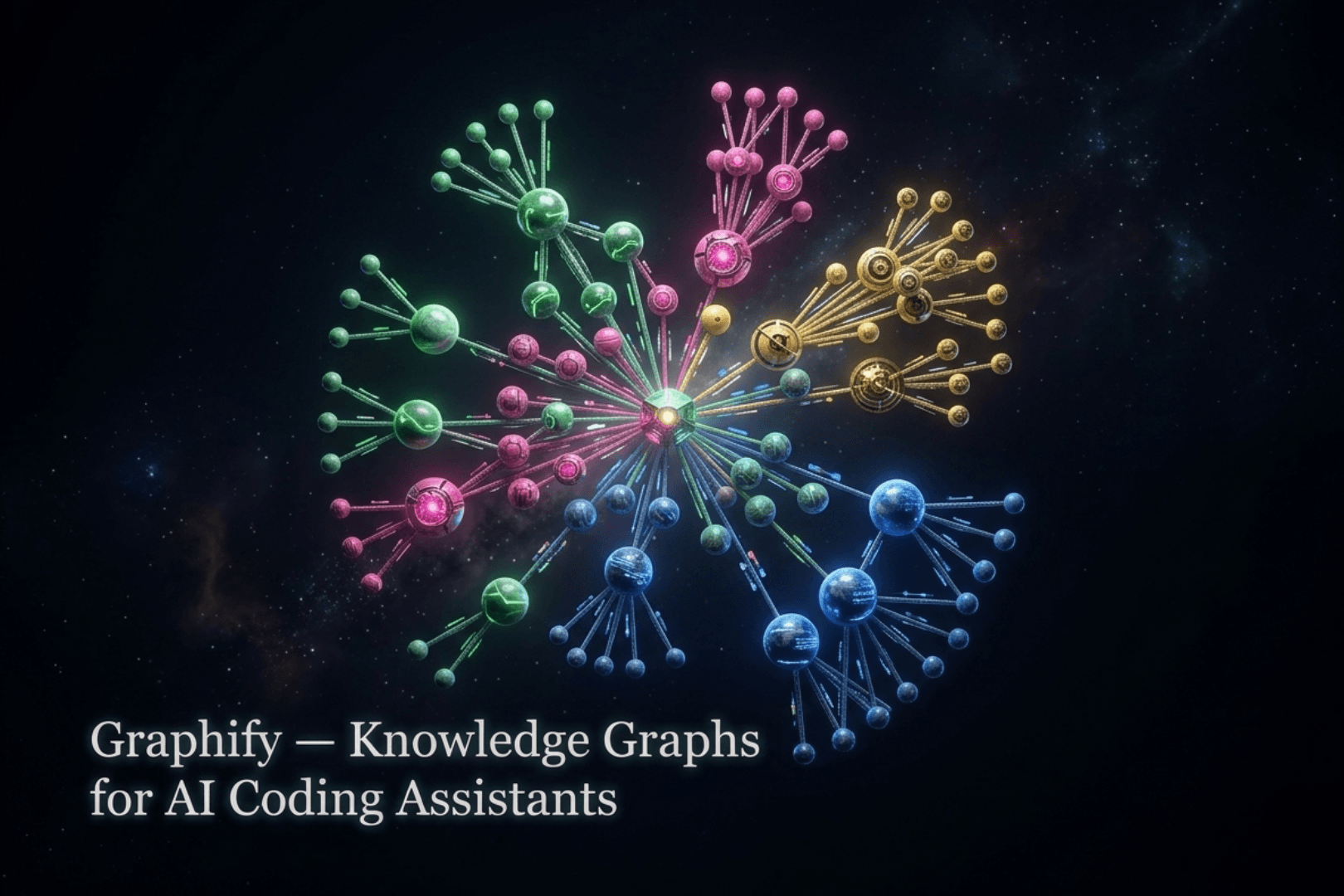
Graphify is an open-source, Python-based tool — backed by Y Combinator (S26) — that transforms your entire project into a persistent, queryable knowledge graph. We're not talking about a simple file index or a basic search. Graphify ingests your code, documentation, PDFs, images, and even video transcripts, then builds a structured web of nodes and edges that captures how everything in your project relates to everything else.
The command is deceptively simple:
/graphify .
Type that inside any supported AI coding assistant, and within minutes your entire codebase is mapped. Three output files land in graphify-out/:
- graph.html — an interactive, browser-based visualisation you can click through, filter, and search
- GRAPH_REPORT.md — a human-readable highlights report: key concepts, surprising connections, and suggested questions
- graph.json — the full graph, queryable at any time without re-reading a single file
The Core Problem It Solves
AI coding assistants are powerful, but they operate on flat-file context. They read files — sometimes many at once — but they have no pre-built map of how concepts relate across a codebase. Every time you ask "how does the login form connect to the users table?", the assistant has to reconstruct that context from scratch, grepping through files and often missing the relationships that aren't obvious from raw text alone.
Graphify pre-computes that map. It uses AST-level extraction (via tree-sitter) across 33 programming languages — Python, TypeScript, Go, Rust, Java, C/C++, Swift, Kotlin, and more — entirely on-device, with zero API calls for the code parsing step. Functions, classes, call graphs, database schemas, and architecture docs all become nodes in the same graph. A single query can trace a path from a database table through an API handler all the way to a frontend component.
How Graphify Works: Under the Hood
Graphify's intelligence comes from several layers working in concert:
Multi-Modal Ingestion
It doesn't just read .py or .ts files. Graphify processes Markdown, PDF, HTML, MDX, images (via vision extraction), and meeting transcripts. Every format of your working life becomes part of one unified corpus.
Leiden Clustering & God-Nodes
After building the graph, Graphify applies Leiden clustering — a community detection algorithm — to surface hidden groupings of related concepts. It also identifies god-nodes: the highest betweenness-centrality nodes in your graph. These are the files or functions that connect the most communities. If one breaks, Graphify can instantly show you the blast radius.
Incremental Intelligence (No Full Rebuilds)
This is where Graphify genuinely outclasses traditional RAG pipelines. When a file changes, Graphify detects it, re-extracts only the affected subgraph, and patches the live graph in under a second. A conventional RAG setup would re-embed hundreds of thousands of documents and rebuild the entire vector index — taking hours. Graphify patches 3 changed files in ~0.8 seconds, leaving 498,752 other nodes completely intact.
Confidence Tagging
Every relationship in the graph is tagged as EXTRACTED, INFERRED, or AMBIGUOUS. This tells developers exactly which connections came from hard code analysis versus model inference — a critical signal for knowing how much to trust any given answer.
Why It Matters for AI Coding Agents and Tools
Graphify doesn't replace your AI coding assistant. It supercharges it. Here's why this matters across the ecosystem:
Works Across 20+ Platforms
Graphify registers itself as a skill inside your assistant. It works with Claude Code, Codex, Cursor, Gemini CLI, GitHub Copilot CLI, VS Code Copilot Chat, Aider, Devin CLI, Kiro, and many more. One developer builds the graph, commits graphify-out/ to the repo, and every teammate's assistant — regardless of which platform they use — can query the same graph with zero additional setup.
Solves the Onboarding Problem
Without Graphify, a new developer joining a large codebase spends roughly 3 weeks reading docs, pinging colleagues, and grepping through code — still missing context. With Graphify and /graphify in Claude Code, that same developer gets a full codebase graph in 4 minutes, can query decisions (not just code), and can see god-nodes to understand blast radius instantly.
PR Impact Analysis
Graphify can rank your review queue by graph impact (graphify prs --triage) and flag PRs that share graph communities — a proxy for merge-order risk (graphify prs --conflicts). This turns your AI assistant from a code-completion tool into a genuine architectural advisor.
Supports Multiple LLM Backends
For semantic extraction of non-code content, Graphify supports Gemini, Claude, OpenAI, DeepSeek, Ollama (fully local), AWS Bedrock, and Kimi. It auto-detects which API key is available. This makes it flexible for teams with different cloud commitments or air-gapped environments.
Real-World Example
Imagine a team maintaining a Python/TypeScript monorepo with a PostgreSQL database, a FastAPI backend, and a Next.js frontend. A new developer needs to understand authentication flow.
They run:
graphify query "what connects the login form to the users table?"
The graph returns:
LoginForm → /api/auth/login → AuthService.authenticate() → UserRepository.find_by_email() → users table
Each edge is confidence-tagged. They then run graphify export callflow-html to get a full Mermaid call-flow diagram, viewable in any browser. The entire process takes minutes, not days.
Traction and Community
The numbers speak for themselves:
- 61,300+ GitHub stars and 6,300+ forks
- 1.1M+ PyPI downloads
- 668+ commits across 71 contributors, shipping roughly every other day
- Backed by Y Combinator S26
- 21 Fortune 500 companies in the enterprise queue
The Bottom Line
Graphify is the missing context layer for AI-assisted development. In a world where AI coding assistants are only as good as the context they're given, Graphify ensures that context is structured, persistent, traversable, and always up to date. Whether you're onboarding a new engineer, reviewing a risky PR, or simply trying to understand why a piece of code was written the way it was — Graphify gives your AI assistant the map it was never born with.
Install it in one command. Query your codebase like a database. Never grep blindly again.